

- Copy and paste the your video link
eg. http://www.youtube.com/watch?v=V3ONiyOP9JI
- Right click on the image you want to hyperlink
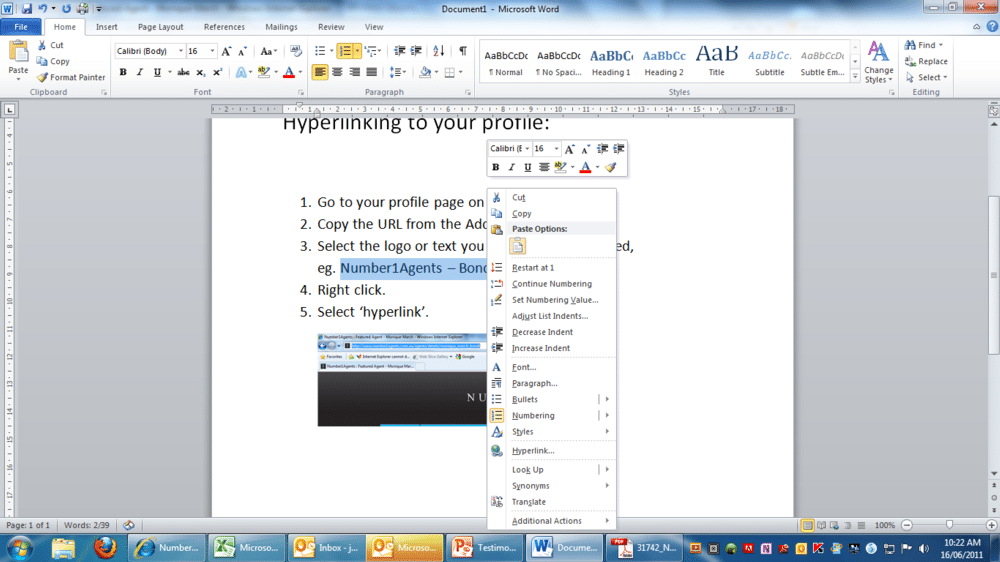
- Click on the word Hyperlink
- Paste the video link in the “Address:”space
- Click “ok”Adding an email banner in Outlook

People prefer to do business with people – we deliver You to your clients inbox!
Your email signature can be one of the most effective ways to let your potential clients see your video.
For many businesses email has become the main form of communication with customers.
In the information age the necessity of face to face meetings have been declining and the mobile office has created a situation where very often business members and clients seldom meet.
It can be argued that the work place has become somewhat dehumanized.
However, people still prefer to do business with other people.
By adding a video to your email signature you instantly add back the warmth and reminder that your clients are doing business with a real person. This is a great boost for keeping you and the services/products that you offer at “top of mind” amongst your clients.
Adding your video to your email signature is a great opportunity to get hits for your Profile and other videos.
So why not make the most of this?
Ask 1 Minute Media to create a banner for you similar to the banner above
eg. http://www.youtube.com/watch?v=V3ONiyOP9JI
Microsoft has a very quick & easy to follow tutorial on YouTube
that explains easily how to put your email signature/banner on every email:
http://www.youtube.com/watch?v=IhokXa3tzoQ
The only step that is not 100% clear is how to copy and paste your email banner:
In the YouTube video at 1min 27 secs she is simply typing in her details, but you want to copy and paste your new email banner.

Bio: As a co-founder of 1 Minute Media, Kathy has been instrumental in producing thousands of strategic videos for Australian businesses.
She has a unique background in education, service & sales, adding depth to everyone seeking to promote their business or organisation through video.
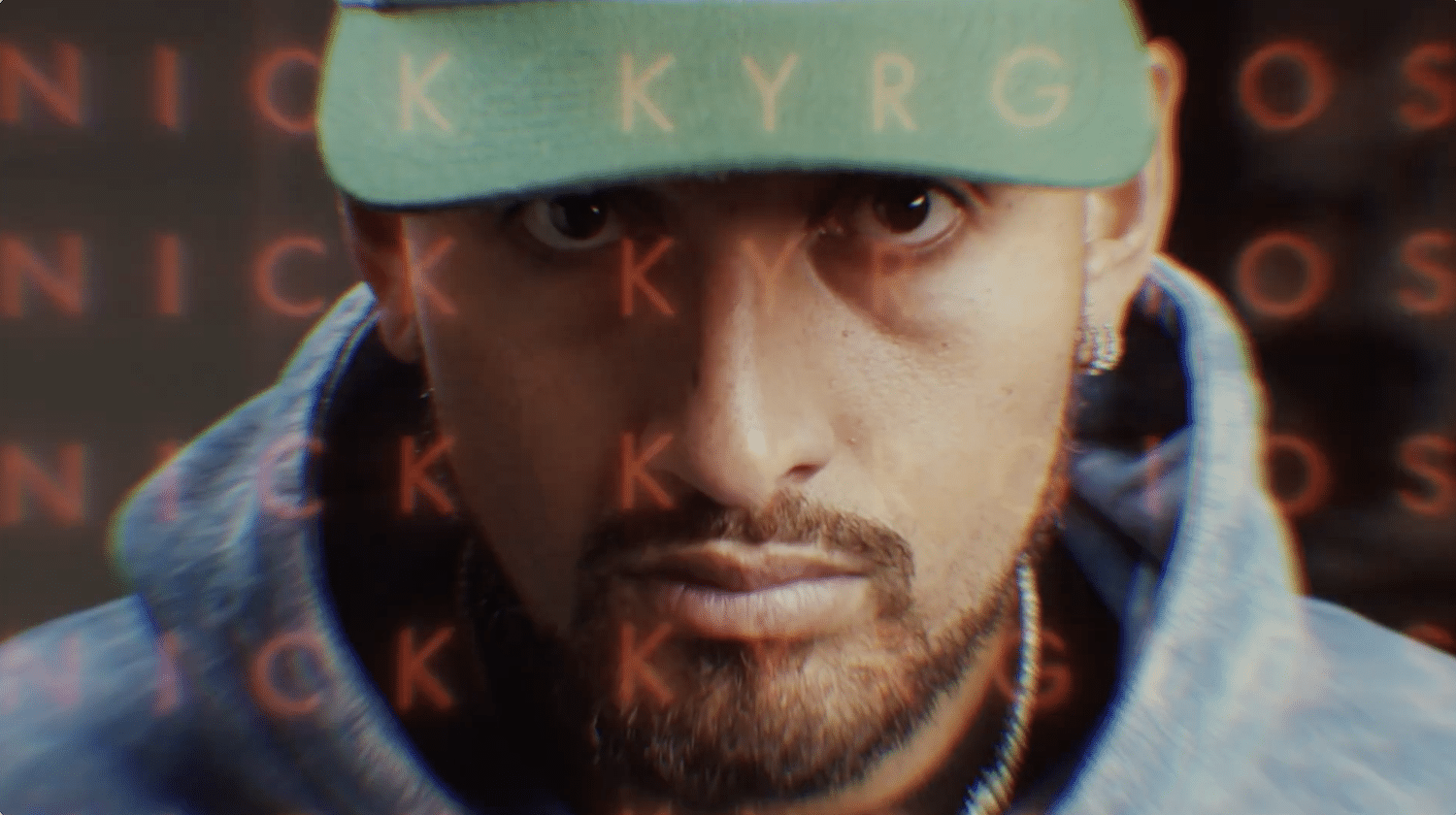
Tennis Majors engaged 1 Minute Media to produce an International TVC video series starring Nick Kyrgios for the Ultimate Tennis Showdown (UTS) in Los Angeles. Bringing Kyrgios’ unmistakable personality and energy to the screen, the live action campaign built excitement and awareness around the groundbreaking tournament.
SciDev needed a clear, engaging way to explain technical water technology, systems and operational processes.
1 Minute Media created a custom animation campaign to simplify SciDev’s systems, benefits and practical applications into clear, easy-to-follow training content.
The animation turns a practical workplace system into a simple, easy-to-understand training tool.
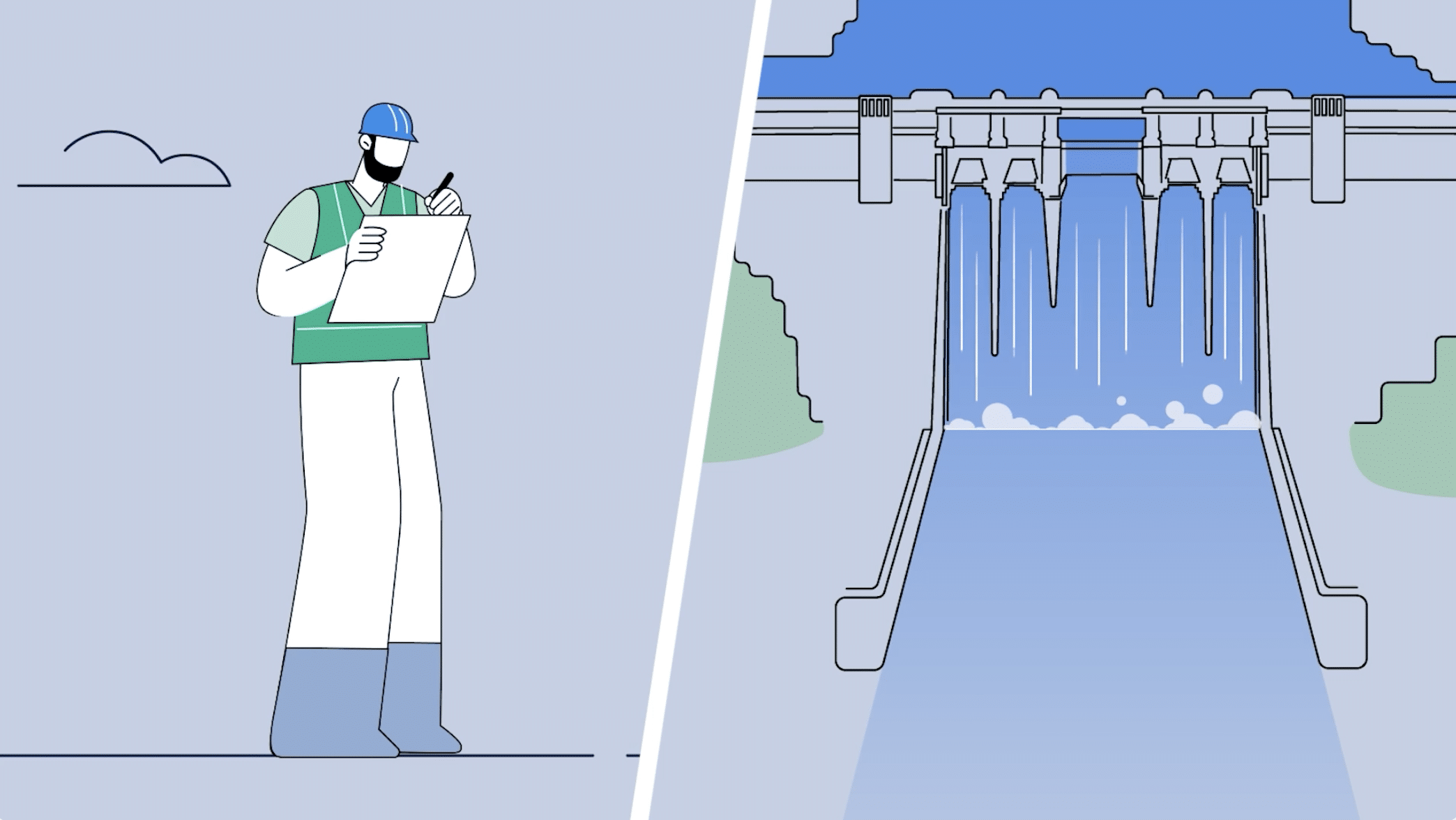
Agas needed a clear, engaging way to explain its safety reporting platform.
1 Minute Media created a short animated explainer video to show how teams can report issues quickly, follow the right process and stay safe and compliant.
The animation turns a practical workplace system into a simple, easy-to-understand training tool.

Tennis Majors engaged 1 Minute Media to produce a brand video series and international TV ads starring Nick Kyrgios for the Ultimate Tennis Showdown (UTS) in Los Angeles. Bringing Kyrgios’ unmistakable personality and energy to the screen, the live action campaign built excitement and awareness around the groundbreaking tournament.